START FREE AI Text Remover from Image

Text Remover from Image — Remove Text from Photos & Screenshots

Remove text, captions, watermarks, and date stamps from any image in seconds. Sign in to start — every new account gets free monthly credits. Upload a photo and our AI detects every text region automatically, erases it, and rebuilds the background — you get a clean image at full resolution.

Free monthly credits Results saved to your account Works on any device

Photo with watermark and text overlay before using a text remover from image
SAMPLE TEXT
Clean photo after using PixPurge to remove text from image free
With Text Text Removed

The slider sweeps on its own — or drag it to compare manually.

Upload Image (Free)

or drop a file here

Supports JPG, PNG, WebP, HEIC • Max 10MB • Sign in to start — free monthly credits on sign-up

No image? Try one of these:

By uploading an image you agree to our Privacy Policy and Terms of Use.

AI-powered

Text removal in seconds

Free to start

Monthly credits on sign-up

Fast & easy

No install needed

Upgrade anytime

Flexible credit packs

How It Works

Remove Text from Image in 3 Simple Steps

How to remove text from an image online — no install, no editing skills needed.

Step 1

Upload your image

Drag & drop any JPG, PNG, WebP, or HEIC file up to 10MB — every new account starts with free monthly credits.

Step 2

AI detects and removes text automatically

Our AI finds every text region — captions, watermarks, date stamps — erases it, and rebuilds the background behind it.

Step 3

Download your clean image

Preview the result instantly and download it in original quality. No watermark added.

Use Cases

One Text Remover, Endless Uses

From product shots to family archives — PixPurge erases text from images wherever it shows up.

Remove watermarks from product photos

Clean supplier images and stock photos so your storefront looks consistent and professional.

Clean up screenshots for presentations

Erase chat bubbles, usernames, and UI clutter so your slides stay focused on what matters. No blurring, no smudges — the pixels behind the text are rebuilt, not covered up.

Erase captions from social media images

Repost and reuse great visuals without leftover subtitles, meme text, or repost credits.

Delete date stamps from old photos

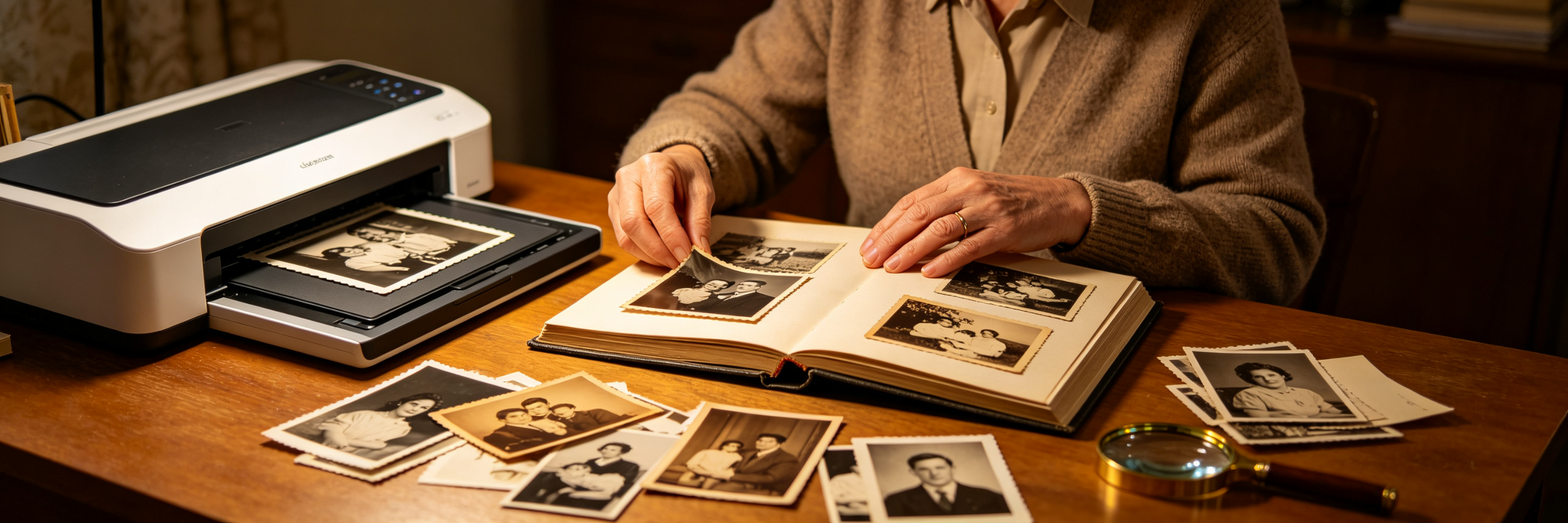
Restore scanned film photos by removing those orange timestamps from the corner — for good. Film or digital — the date stamp comes off cleanly, no cropping needed.

Examples

See Before and After Text Removal — Background Intact

Drag the slider on each example. Real results from our text remover from image — how cleanly it removes text from a picture, with no manual retouching.

Product photo with watermark before using remove text online tool
© STOCKPHOTO
Product photo after AI watermark and text removal
Before After
Watermark removal from product photo
Social media image with caption before using text remover from image
Summer Sale — 50% OFF
Clean social media image after removing caption text online
Before After
Caption erasing from social media image
Old scanned photo with date stamp before free text removal
'98 5 14
Restored old photo after date stamp removal with PixPurge
Before After
Date stamp deletion from old photo
Who It's For

Who Uses PixPurge to Remove Text from Images

One text remover from image, six kinds of daily cleanup.

Remove watermark from product photos online — clean e-commerce listing image

E-commerce sellers

Strip supplier watermarks from product photos so listings look consistent.

Erase captions from social media images with a free text remover from image tool

Content creators

Reuse memes and social images without leftover captions or credits.

Remove text from image free — clean screenshots for marketing decks

Marketers

Clean screenshots and campaign visuals before they go into a deck.

Delete date stamps from photos online — AI text remover from image

Photographers

Remove date stamps and stray signage from otherwise perfect shots.

Remove text online to get clean source images for design work

Designers

Start from clean source images instead of retouching text by hand.

Remove text from image free — erase old timestamps from scanned family photos

Families & archivists

Restore scanned prints by erasing old timestamps for good.

Why PixPurge

Built to Be Trusted — Remove Text Without Affecting the Background

A text remover from image should be precise, private, and actually free.

AI-powered precision

Our AI pinpoints text regions pixel by pixel and reconstructs the background underneath — textures, gradients, and edges stay intact. No smudges, no ghosting.

Privacy first

Your images travel over an encrypted connection and are used only to process your request. Results are saved to your account, and we never use them to train models or share them with advertisers.

Free to start, upgrade anytime

Every new account starts with free monthly credits — no watermark on your download. Need more processing power? Upgrade with one-time credit packs or flexible monthly plans at any time.

FAQ

FAQ About Removing Text from Images

Everything you need to know about removing text from images with PixPurge.

Upload your photo to the tool at the top of this page — drag it in or click to browse your files. PixPurge's AI scans the image, highlights every text region it finds, and erases all of them when you click Remove Text. A few seconds later you can download the cleaned image at full resolution — whether you needed to remove text from a picture, a screenshot, or a scan. A free account gives you monthly credits. The tool runs entirely online in your browser, on desktop or mobile, and you can upgrade anytime with credit packs or monthly plans. Try it now with any photo that has a watermark, caption, or date stamp you'd like gone. And if you need to remove words from a picture rather than a full caption, it works the same way.
That's the exact problem PixPurge was built to solve. Basic clone-stamp tools smear nearby pixels over the words, leaving blurry patches anyone can spot. PixPurge's AI works more like a careful retoucher: it reads the surrounding texture, lighting, and edges, then rebuilds whatever should sit behind the text — sky, skin, brick, fabric. The cleaned area blends in instead of standing out. One tip: upload the highest-resolution version you have, since more pixels give the AI more context. Drop one of your own photos into the tool above and drag the comparison slider to see the difference. One upload gets rid of text in an image without losing quality — and leaves the rest of the photo untouched.
PixPurge accepts JPG, PNG, WebP, and HEIC files up to 10MB each. That covers photos from iPhones and Android phones, screenshots, scans, and most images downloaded from the web. Your cleaned image comes back in the same format at the original resolution — nothing gets compressed or downscaled. Working with TIFF or BMP files? Convert them to JPG or PNG first with any free converter, then upload as usual. Since the tool runs online, there's nothing to install, no plugins — any modern browser is enough. To check your own file, open the upload box at the top of this page and drop it in; if the format is supported, you'll see the AI's text detection within seconds.
Your images stay yours. Uploads travel over an encrypted HTTPS connection, are used only to remove the text you asked for. Your cleaned results are saved to your free account, so you can reopen and download them any time from My Creations — or delete them whenever you like. We never use your photos to train AI models, share them with advertisers, or sell them. That makes it safe to delete text from image files you'd rather keep private: confidential screenshots, work documents, family photos. Your account is the only place your results live, and they are always under your control.
It comes down to time and skill. In Photoshop, removing text means opening the file, selecting each text area by hand, working the clone and healing brushes over it, and blending edges until the patch disappears — minutes of practiced effort per image, behind a paid subscription. PixPurge compresses that whole routine into one click: the AI finds the text and rebuilds the background automatically, no learning curve. If you only remove text from image files occasionally — a watermark on a product shot, a caption on a screenshot, a date stamp on an old picture — opening a heavyweight editor is hard to justify. Run your next cleanup through the text remover above and compare the effort, not just the result.
The single-image tool on this page processes one image at a time. That keeps each run fast and lets you review the cleanup before downloading — and since most images finish in seconds, working through a small stack back-to-back is still quick. It's a practical way to remove text from image free when you have a handful of files rather than a whole archive. For genuine volume work — hundreds of product photos, a scanned family collection — batch processing and an API are on our roadmap. Until then, you can run images through back to back: the single-image tool at the top of this page is ready whenever you are.

Ready to Remove the Text from Your Image?

Upload a photo and watch text, watermarks, and date stamps disappear — in seconds, right in your browser.

Remove Text Free — Sign In

Free monthly credits · No watermark on results

More Tools

More Ways to Clean Up Your Images

Remove text from images on this page, or take watermarks off your photos — PixPurge covers both with the same one-click flow.